
Software teams
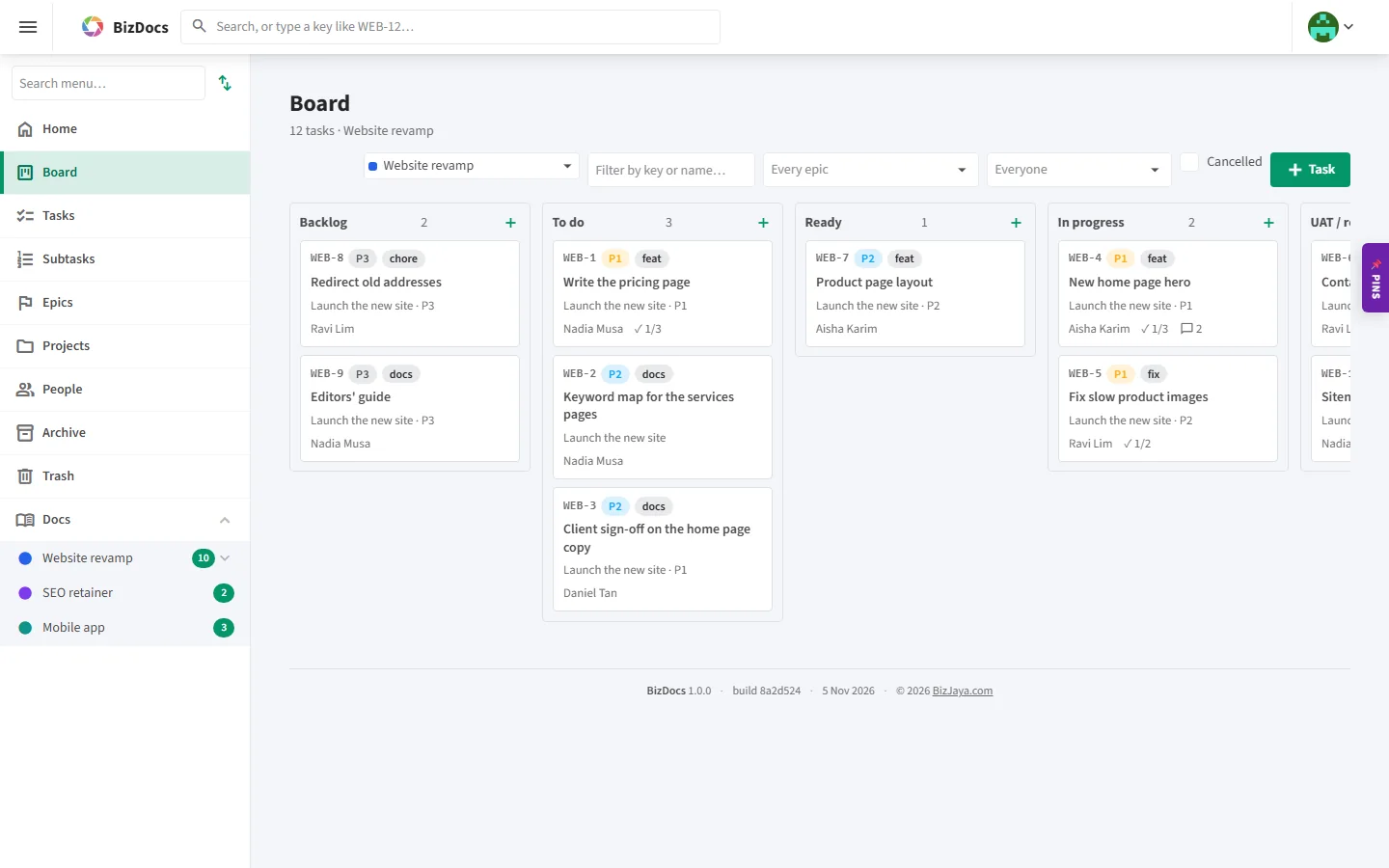
Epics in phases, tasks with keys like WEB-12, subtasks, reviews and UAT on the board, and the specs written right beside them.
Agile project management
Plan the work on a board from backlog to production, break epics into phases, write the specs beside the tasks and put every decision on record. Invite clients and contractors to exactly the projects they should see. BizJaya runs its own software projects on it.
Who it is for
Epics in phases, tasks with keys like WEB-12, subtasks, reviews and UAT on the board, and the specs written right beside them.
One project per client: briefs, keyword maps and content plans as pages, every draft a task, every change kept in history.
Questions to the client with your recommendation, their answer on record, and acceptance notes they add themselves.
Features
Ten statuses from Backlog to Production, priorities, types, deadlines, an assignee and an approver. Drag cards across the lanes; every task has a key you can type to jump to it.
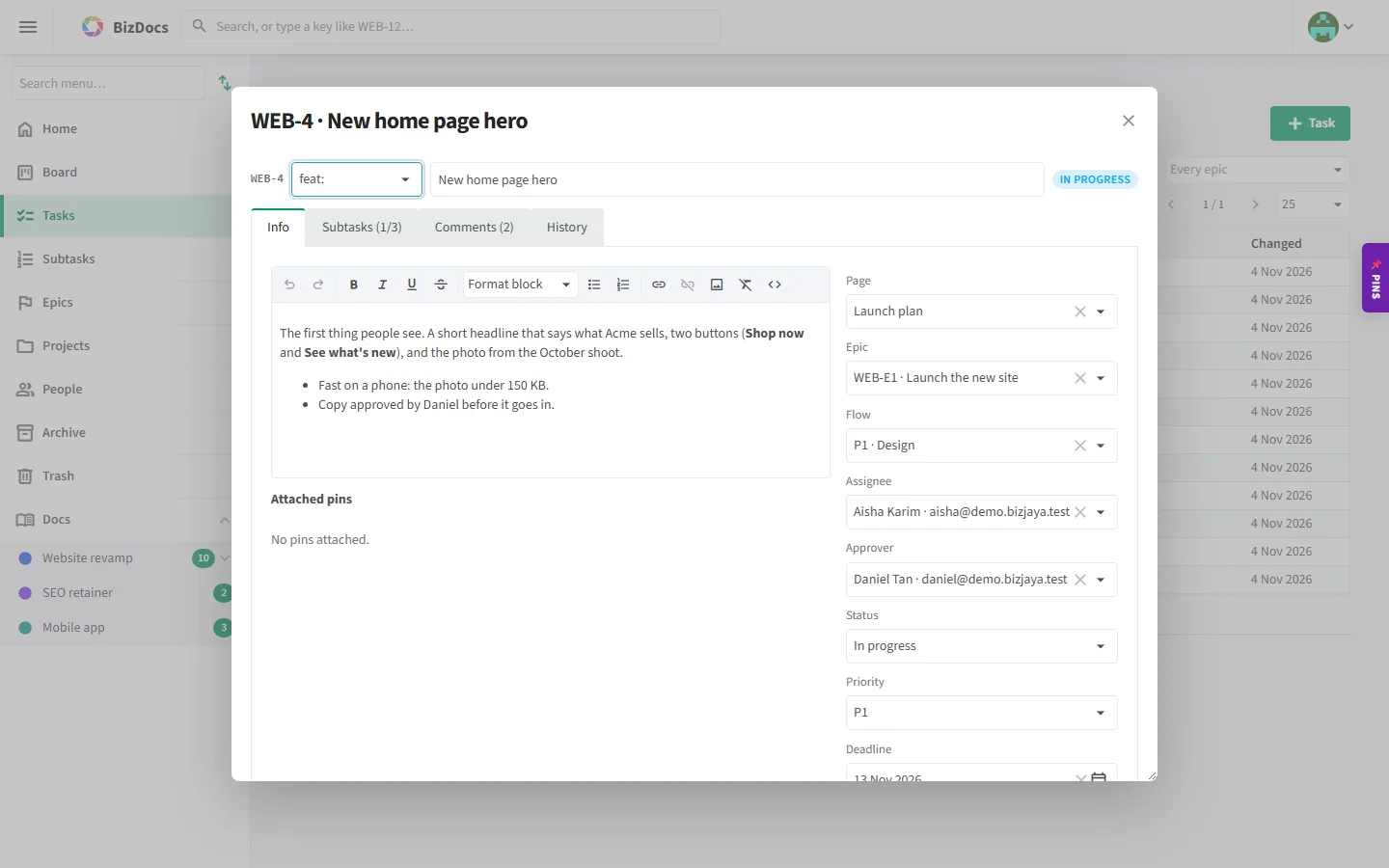
Break a task down and tick the pieces off. Comments in rich text, with pictures pasted straight in.
Plan a larger piece of work as an epic with flows: each phase with its scope and what it depends on, its tasks under it.
Pages in Markdown or HTML, in a tree per project. Every save is a version: see who changed what, compare two versions, bring an old one back.
Ask the client a question with lettered options and your recommendation. Their answer is kept on the page, so nobody asks twice.
Clients and testers add notes on the rows of a page's tables (this works, this does not), and the sign-off is recorded.
Give a client or contractor one project or several, as a Reader or a Contributor, until a date if you like. Items you mark admins-only stay yours.
Tasks, subtasks, epics, pages, comments, projects and people, with suggestions as you type. Type a key such as WEB-12 and you are there.
Paste or drop screenshots into a task, then size, place and crop them. They are stored as files with the project, never stuffed into the text.
Keep snippets, links and pictures you use again, attach them to tasks, and put any of them into what you are writing.
Each task, epic and project keeps its history: what changed, from what, by whom and when. Archive and Trash bring things back.
Its pages, views and versions, the latest change, open and done tasks, epics and the people working on it, at a glance.
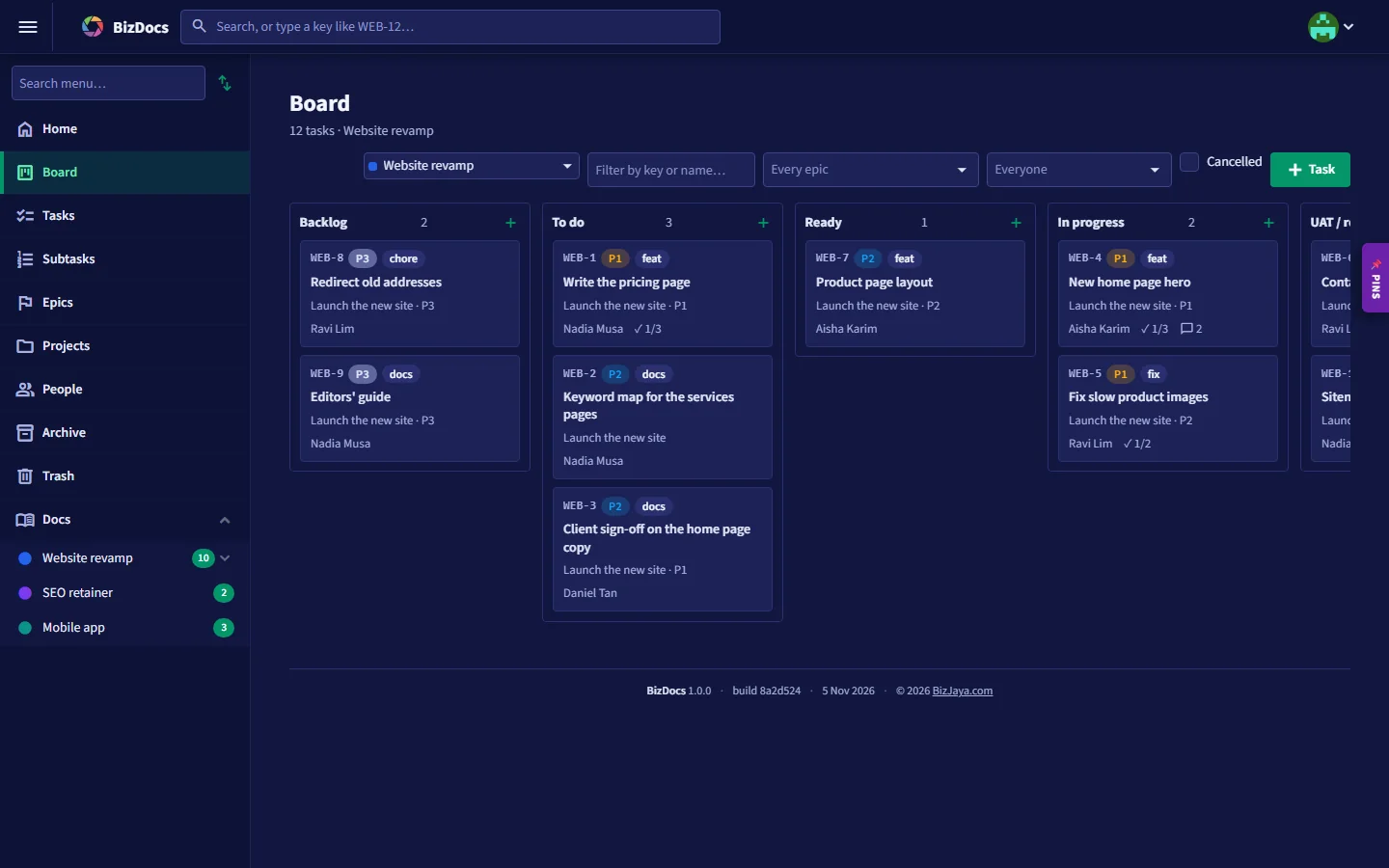
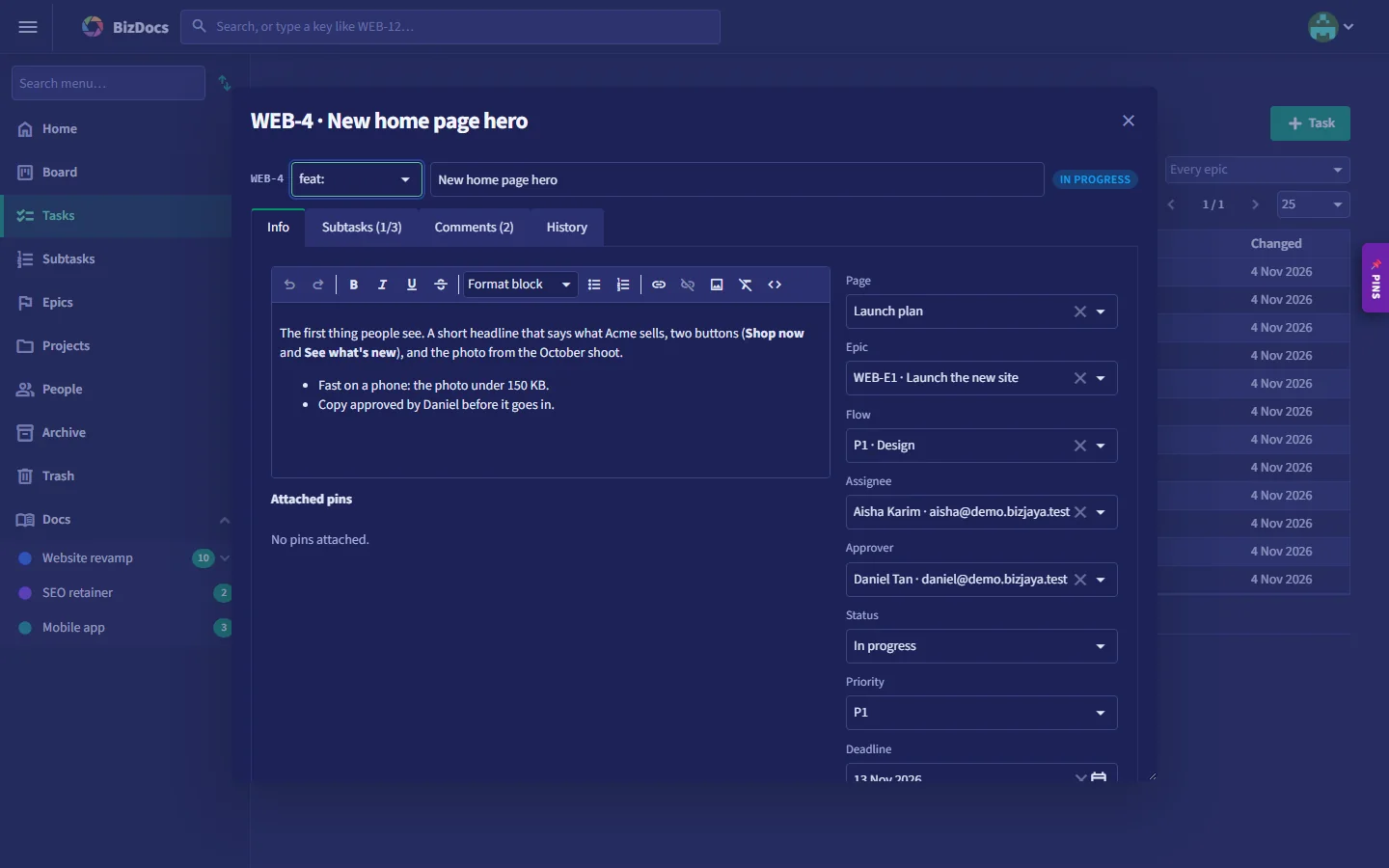
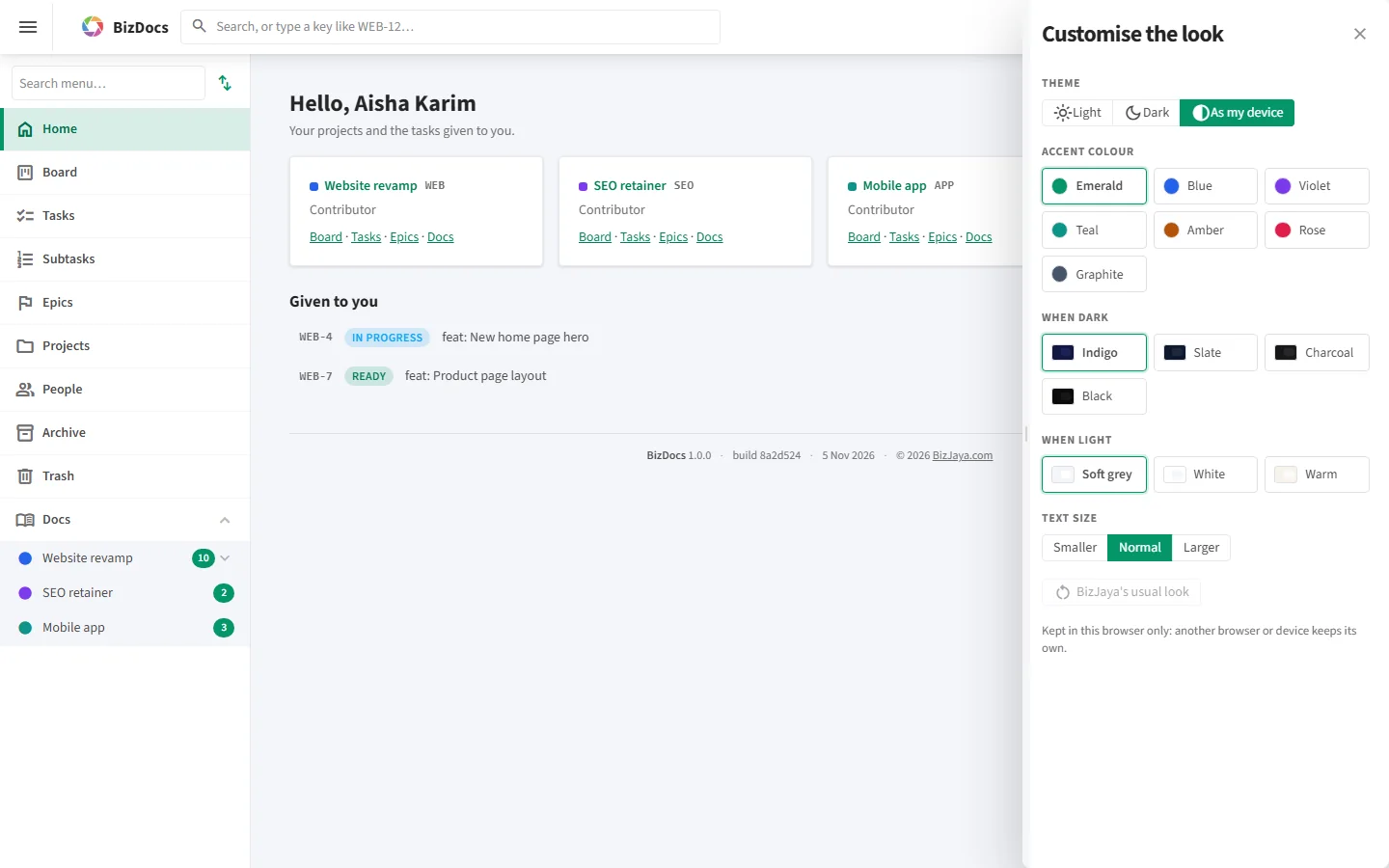
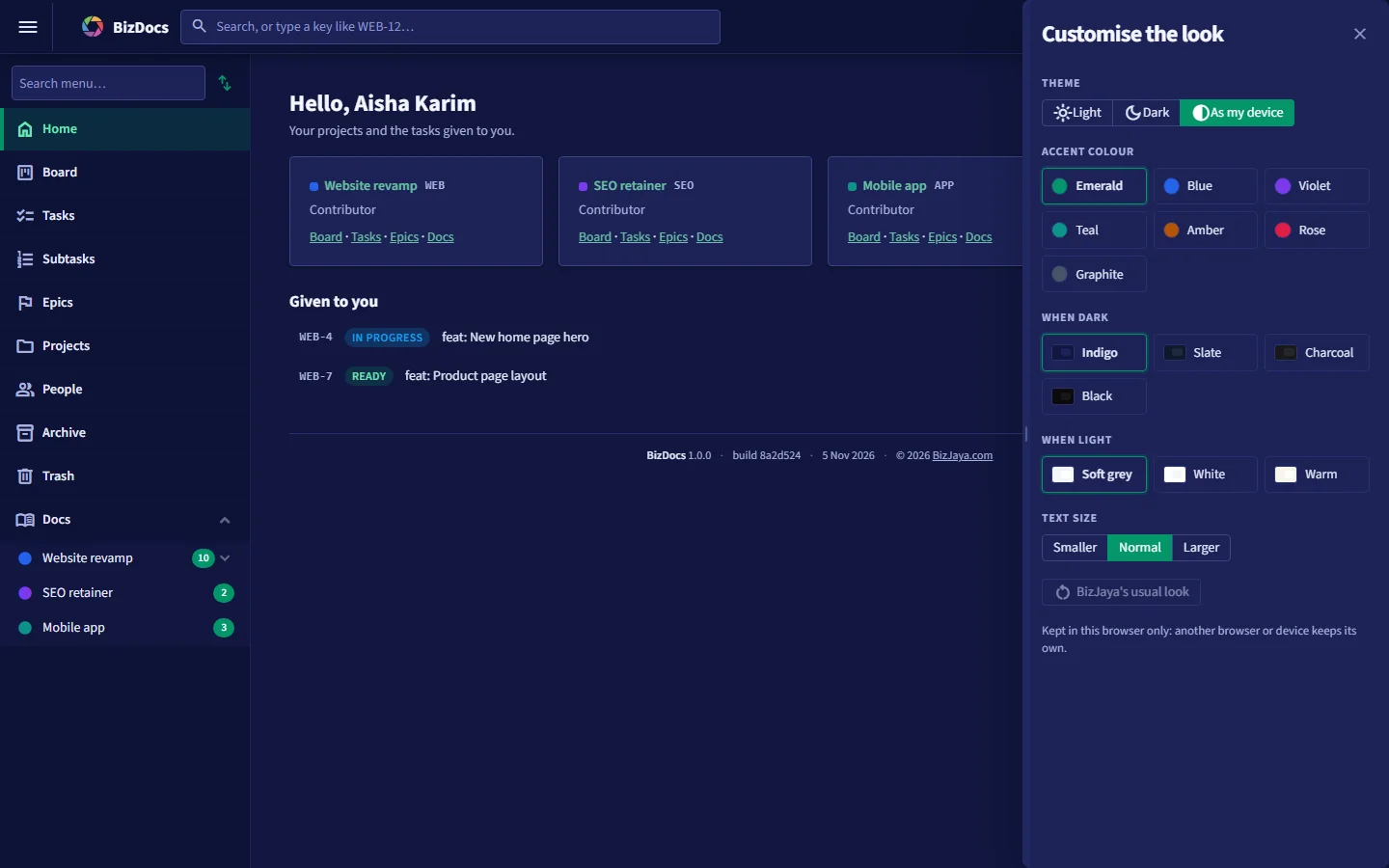
Light, dark or as your device, your own accent colour, page colour and text size, kept in your browser.
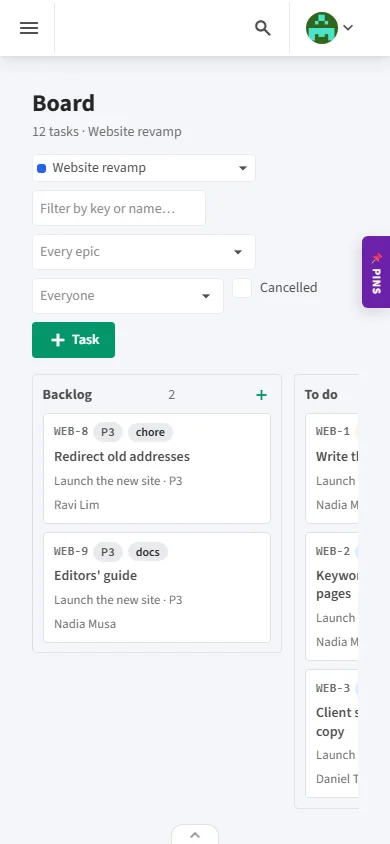
A bottom bar with Home, Board, Tasks and New task; the header and menu step aside while you read.
Clients, people and their access are managed for you in BizJaya's own admin, on BizJaya's servers in Malaysia.
Roles per project (developer, reviewer, SEO writer, consultant) and AI agents as members of the team, given tasks like people.
Screens
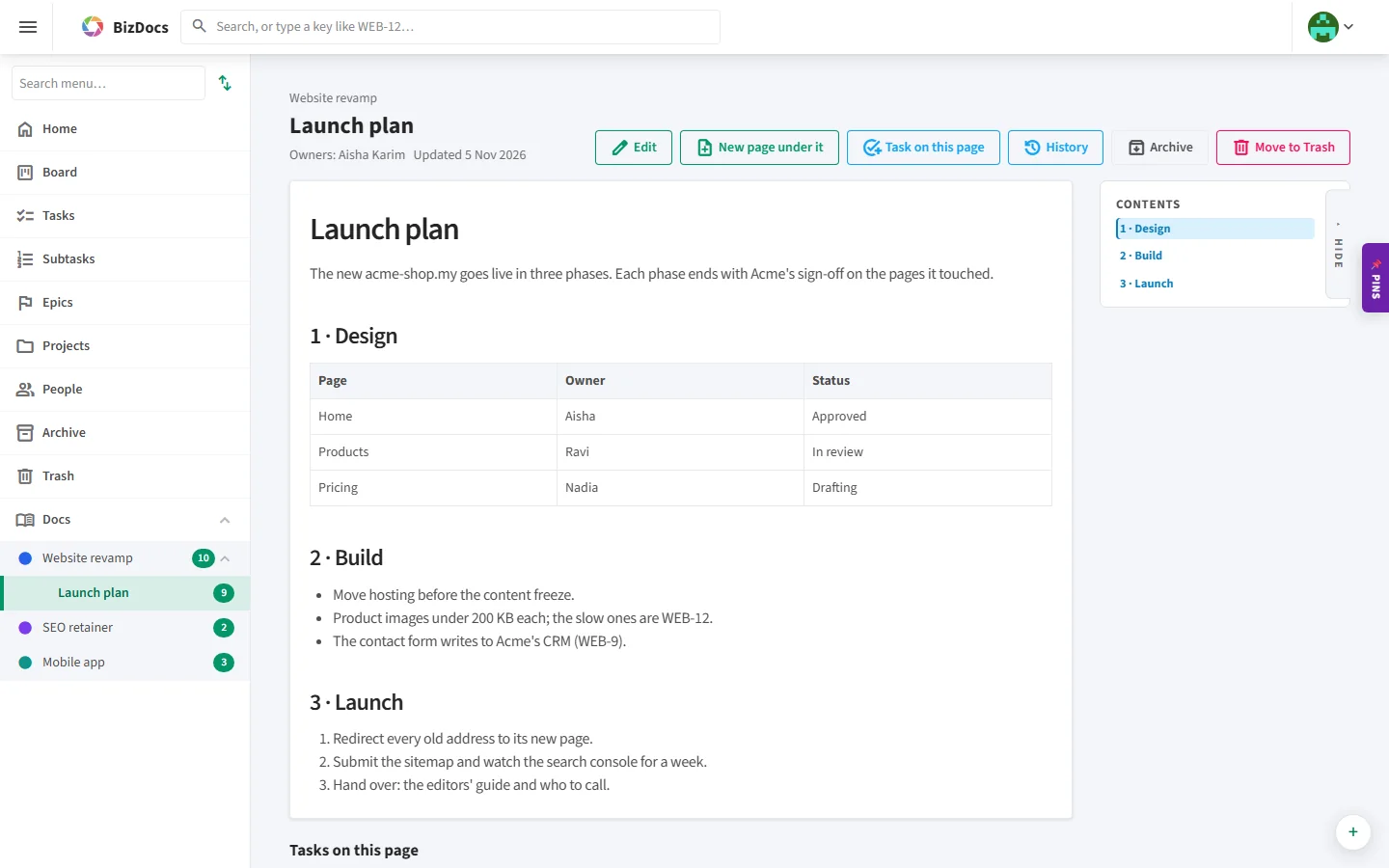
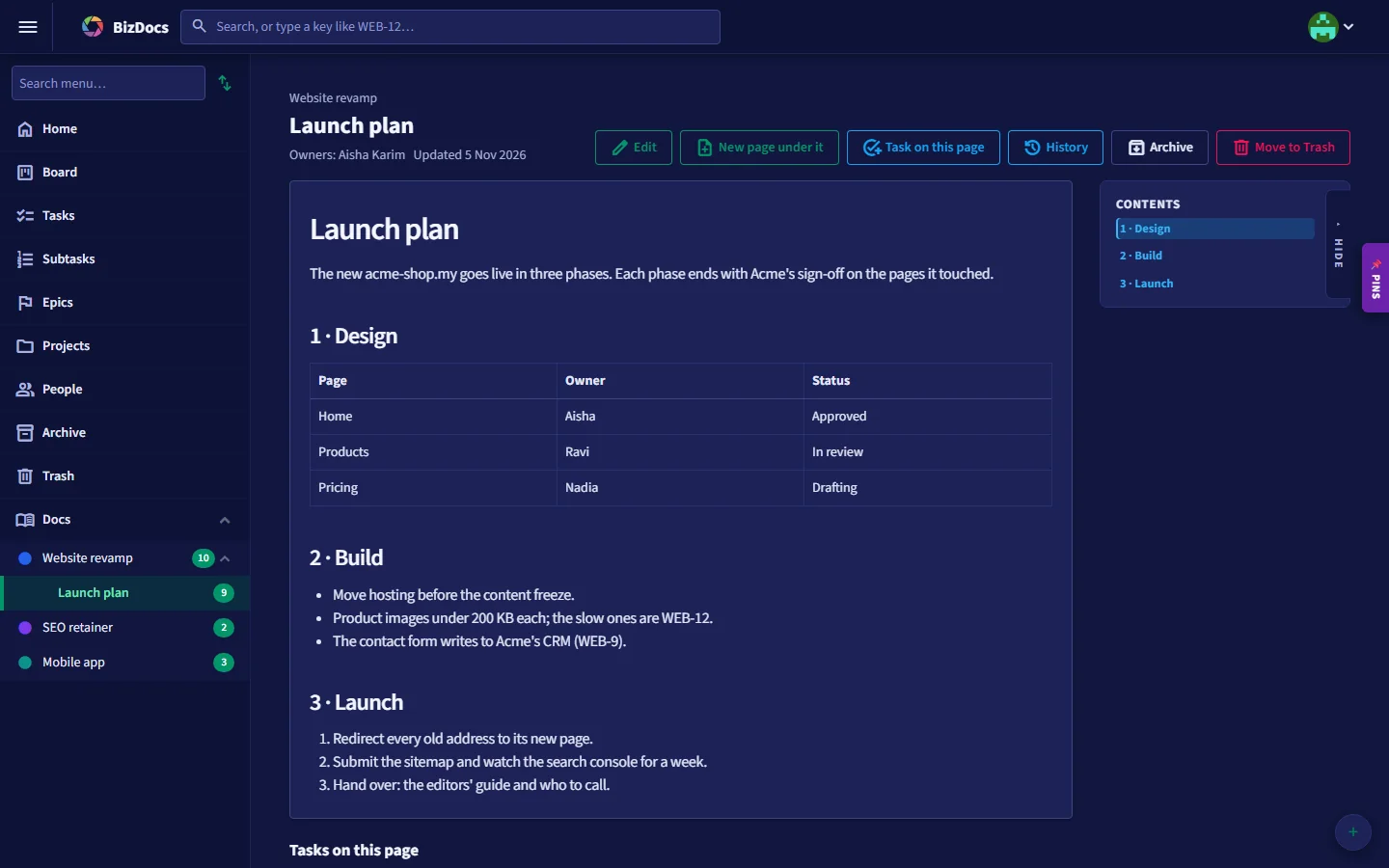
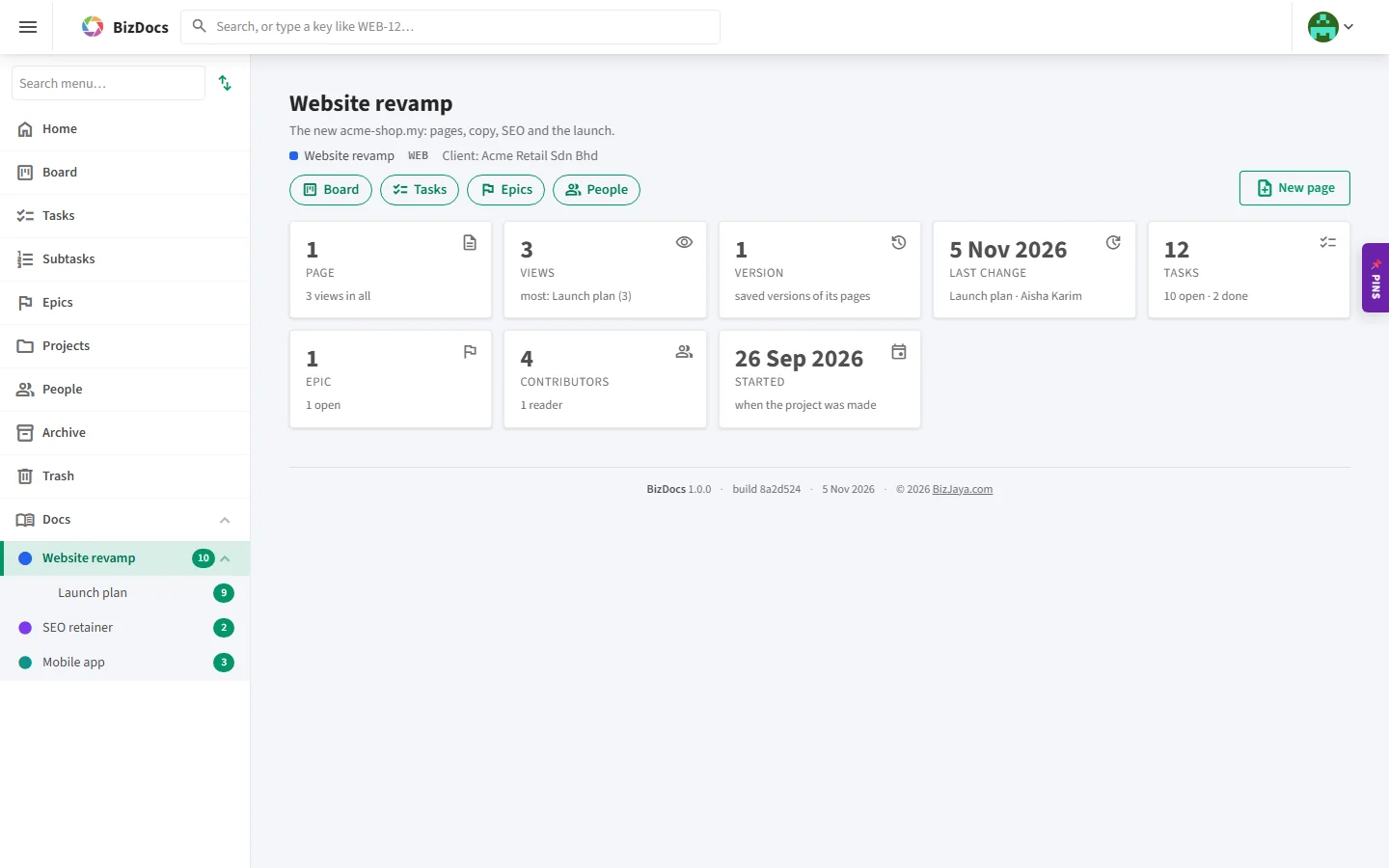
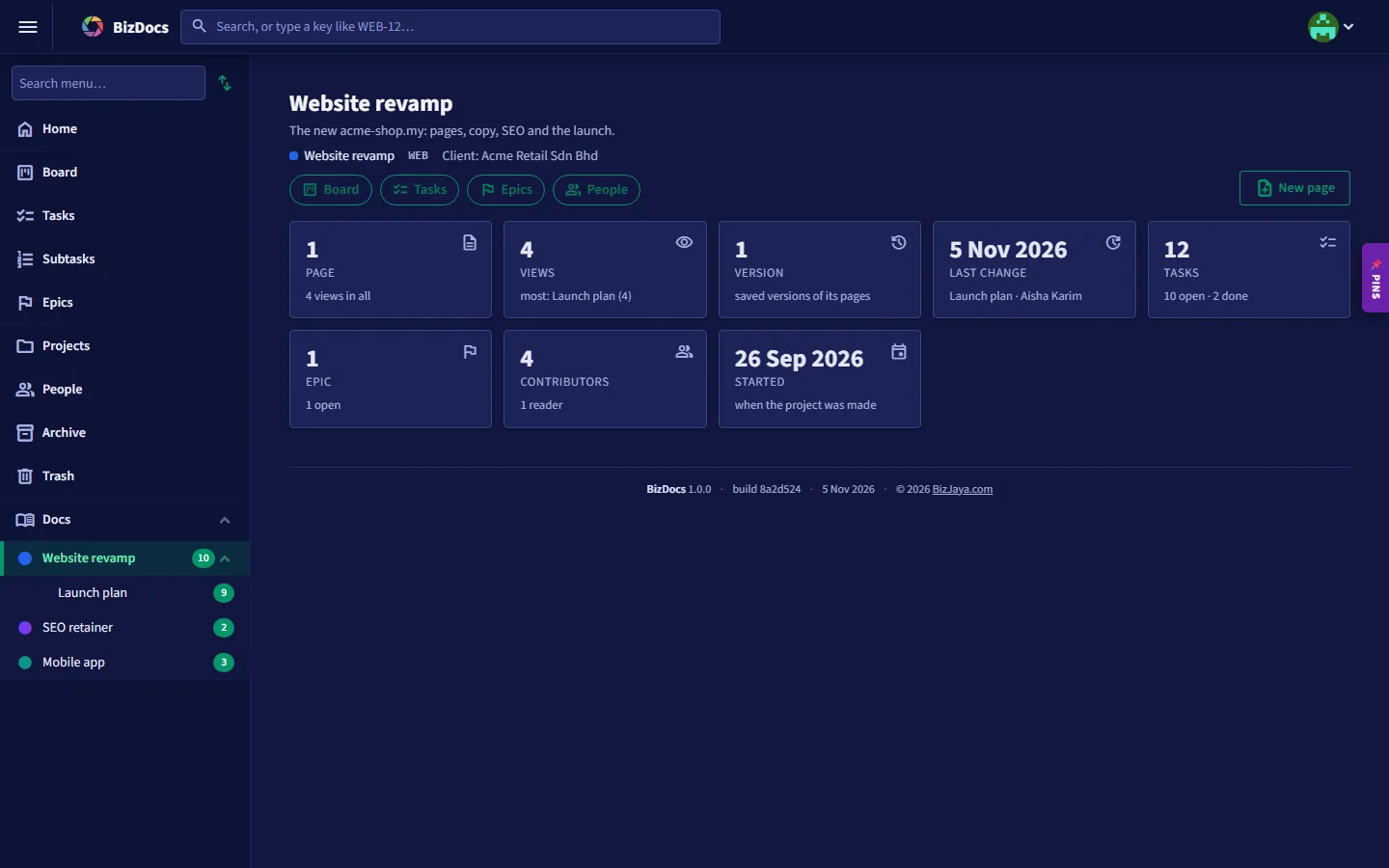
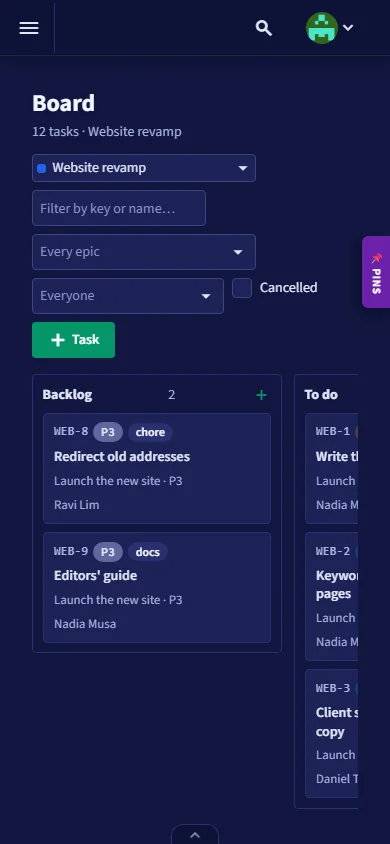
On a phone too. The board, tasks and pages fit a phone, with a bar at the bottom for Home, the board, tasks and a new task.
How it works
More from BizJaya
Your team's encrypted clipboard for logins, keys and snippets, on Windows. Lists like a spreadsheet, one click to copy, cleared again after 30 seconds, shared list by list.
On bizjaya.comCollects data from websites on a schedule, on Windows: pages and listings read, cleaned and typed, then sent to your own database. Picked with a click, run unattended.
On bizjaya.comTry it
We will set up a project for you to try, with your own people and a client of yours if you like, and show you around.
Or write to [email protected].